Digital signage templates for your restaurant or hotel TVs
Every screen on the KimTechSolution network starts from one of these ready-made designs. Pick a template, fill in your own wording and photos, and it plays on your TVs — no designer, no software to learn.
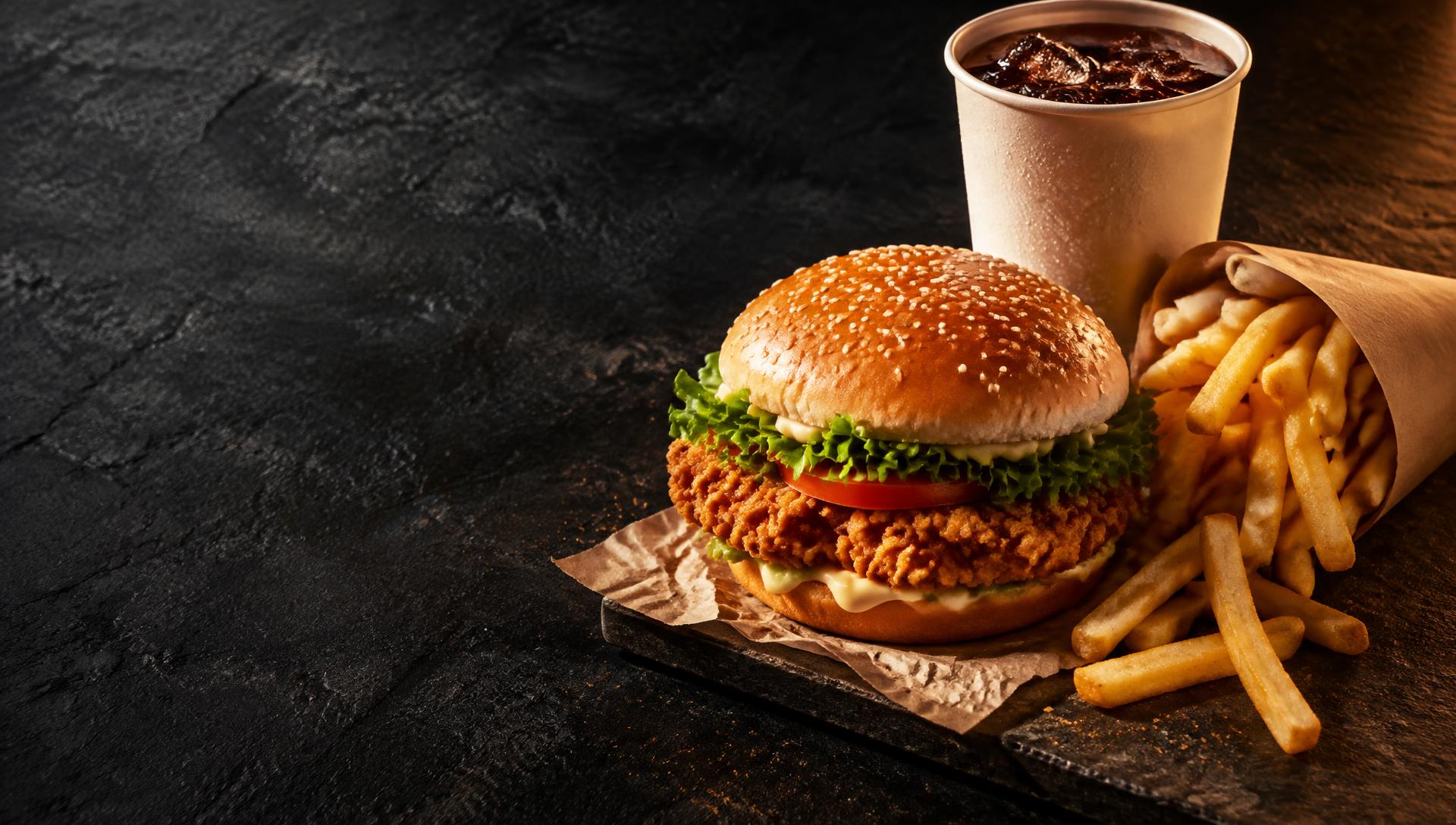
What you fill in when you pick it
- Your combo names and prices, one per line
- A photo of your own combo (or use the Fast food combo photo)
- The deal line at the bottom
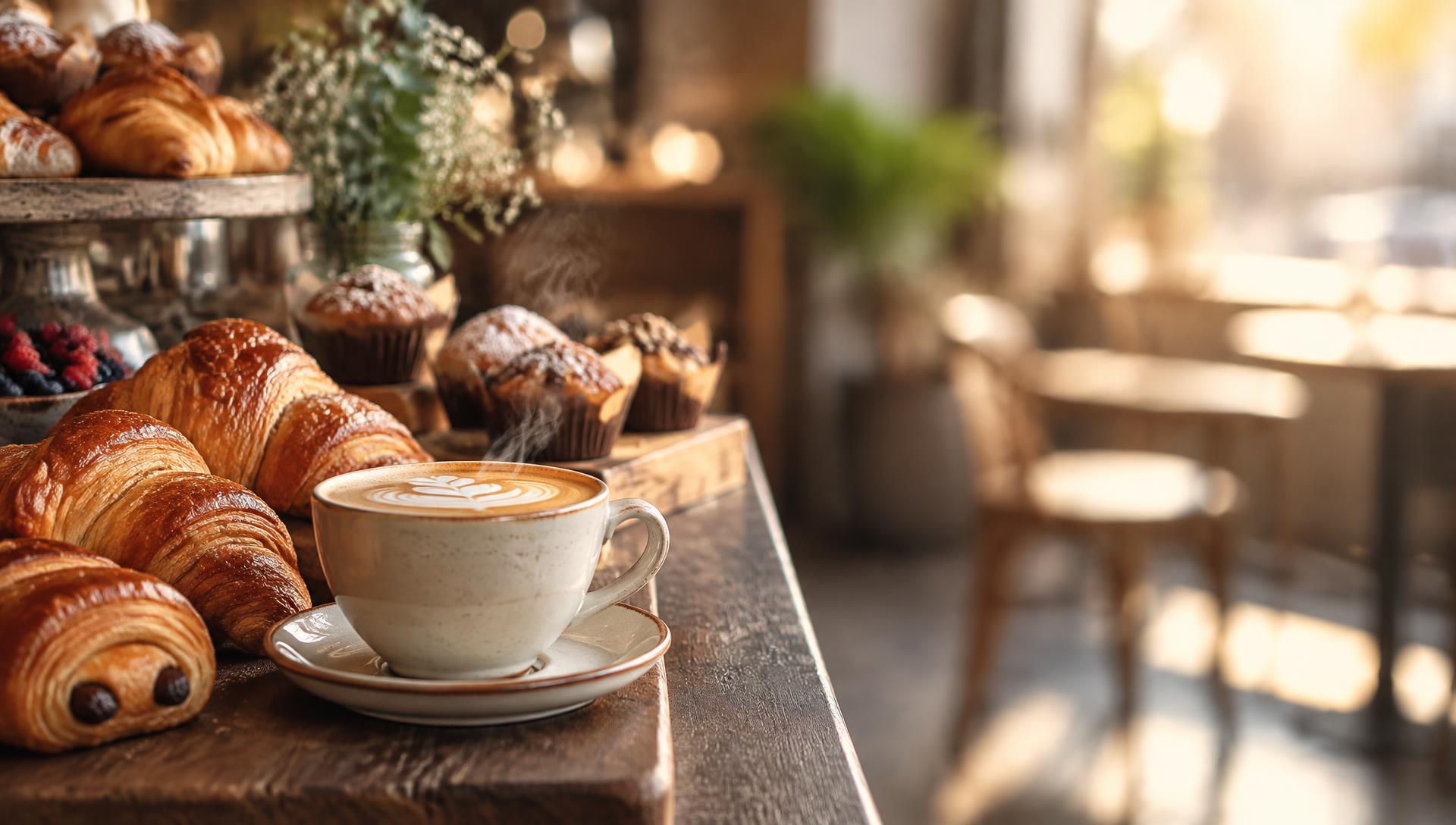
What you fill in when you pick it
- Your drinks and bakery prices
- Morning start and end time
- Your own counter photo, or the Café & bakery photo
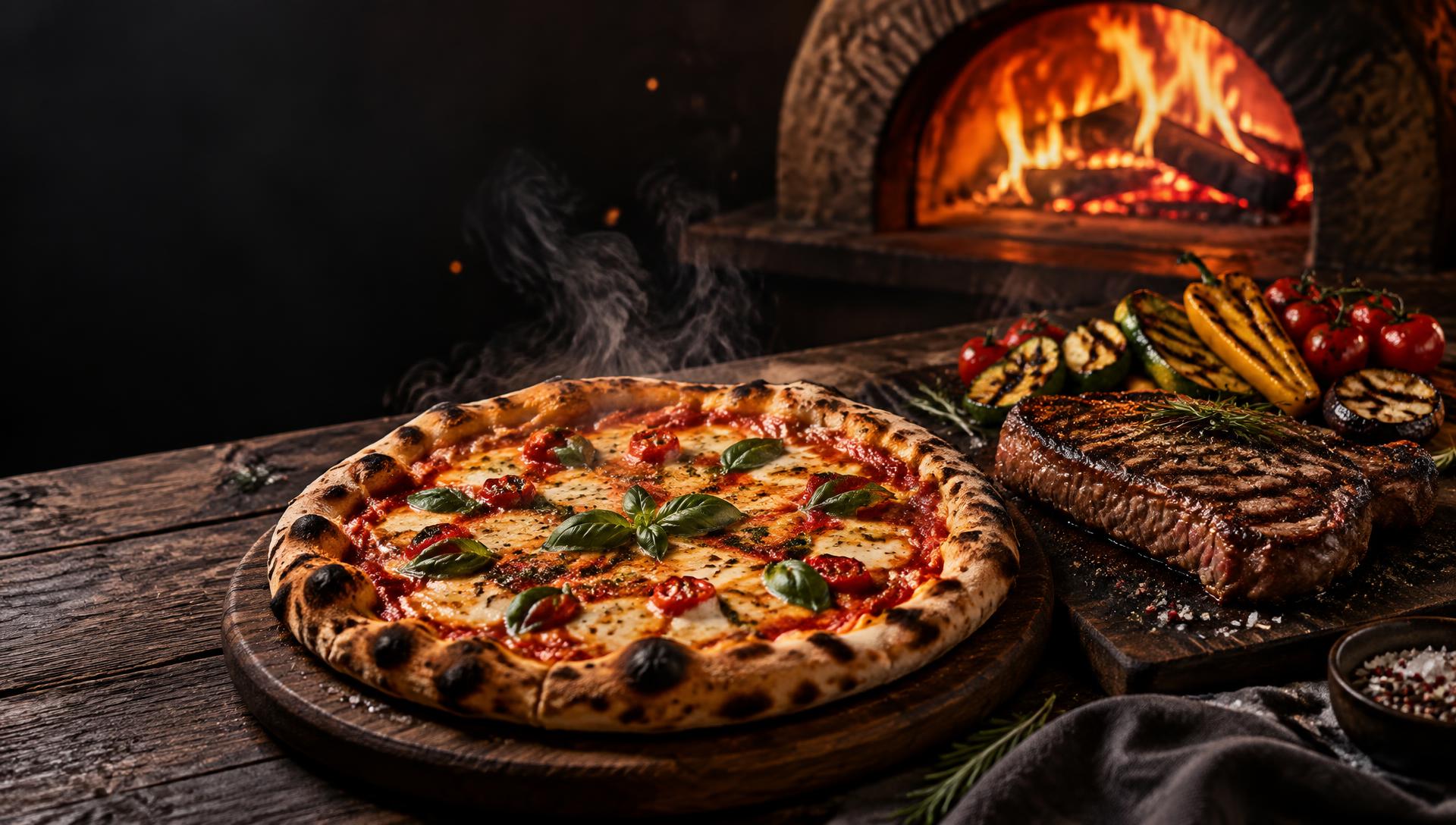
What you fill in when you pick it
- Your sizes and prices per line
- Topping charge line
- Your oven or grill photo, or the Pizza & grill photo
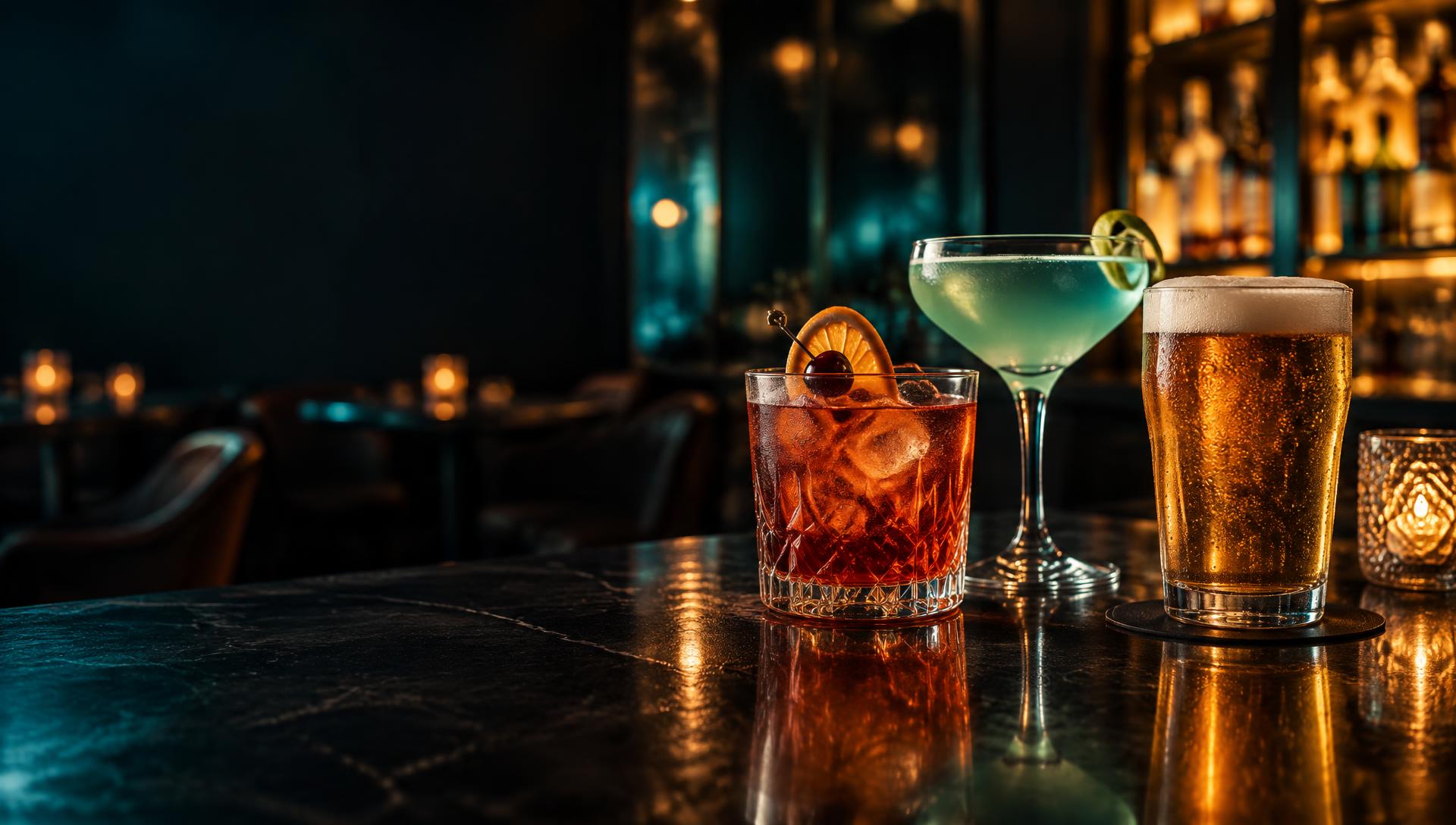
What you fill in when you pick it
- Your drink deals, one per line
- Happy-hour start and end time
- A bar photo, or the Cocktail bar night photo
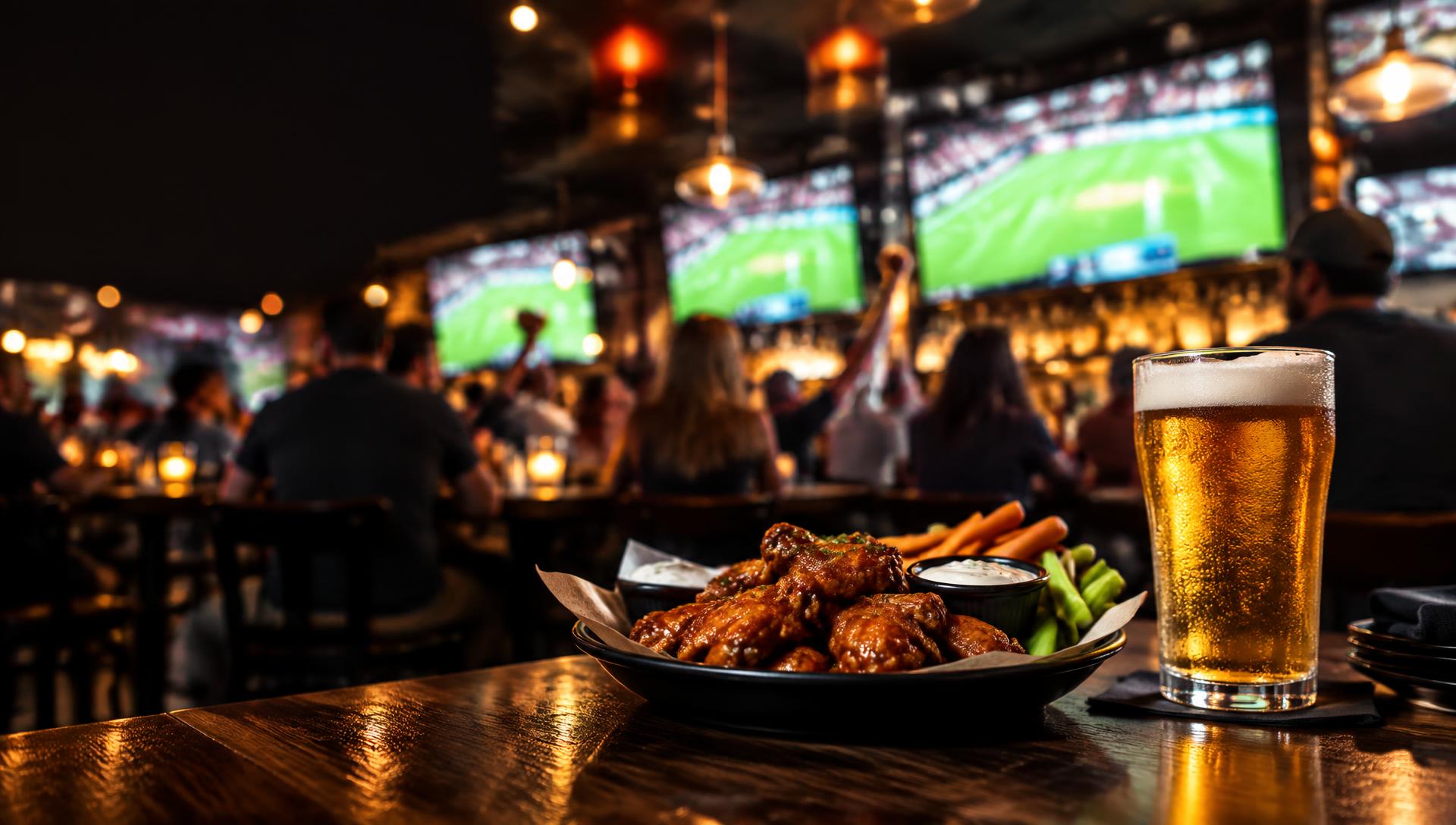
What you fill in when you pick it
- Match name and kick-off time
- Your match-night deals
- A photo of your bar on match night, or the Sports bar photo
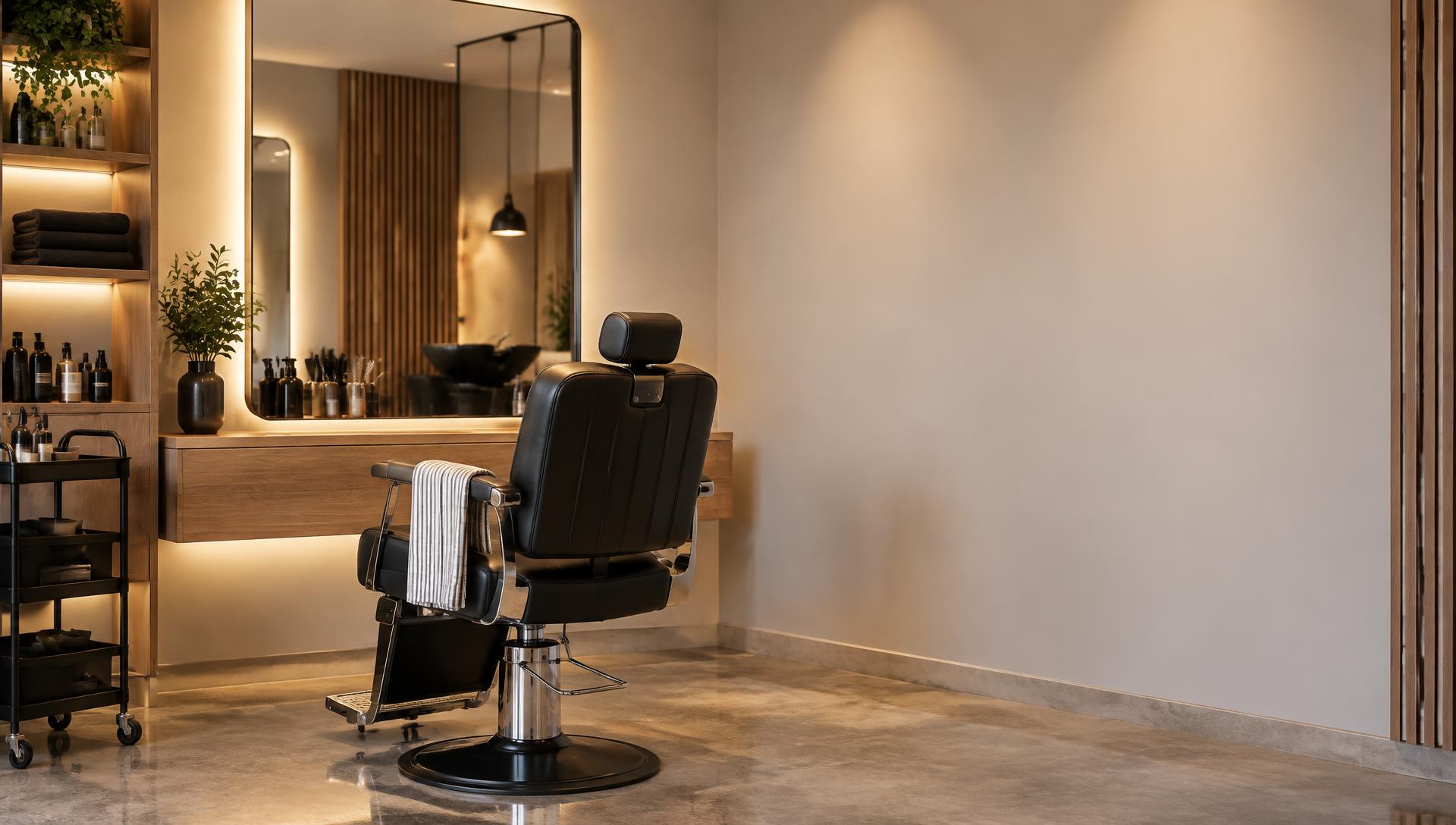
What you fill in when you pick it
- Your services, times and prices
- Your booking number or prompt
- Your own shop photo, or the Salon & barbershop photo
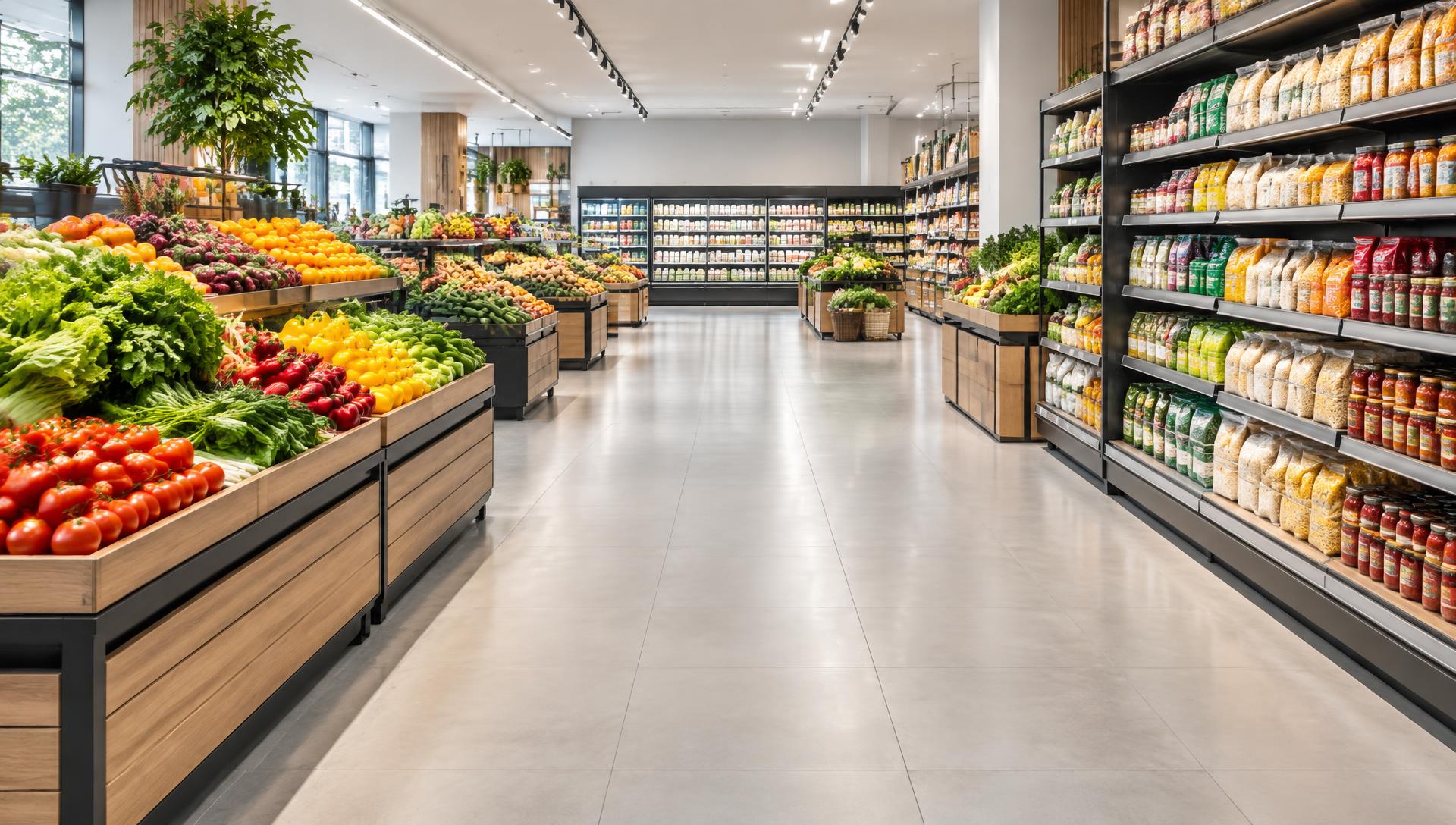
What you fill in when you pick it
- Your discount headline
- Item lines: was price and now price
- How long the deal runs
What you fill in when you pick it
- Your real hours
- Your delivery days
- The payment methods you accept
What you fill in when you pick it
- Restaurant name in the title
- Logo or a dish photo as the image
- One dish per line: name — price · description
What you fill in when you pick it
- The offer headline
- The small print line
- Start and end time of the offer
What you fill in when you pick it
- Property name
- Amenity or directions list
- Lobby photo or logo as the image
- Set the screen's layout to Sidebar + ticker for the full lobby look
- Add a Hotel side panel card for the right-hand column
- Add a Ticker line card for the scrolling strip
What you fill in when you pick it
- Headline
- Notice body
- How long it should stay up (schedule window)
What you fill in when you pick it
- Town or city for the weather
- Set the screen's layout to Ticker (or Sidebar + ticker)
- Add a Ticker line card for the scrolling message
- Optional: add a Side panel card for the right-hand column
What you fill in when you pick it
- Property name in the title
- One line per channel or service the guest can pick
- Lobby photo, logo or a channel still as the image
- Set the screen's layout to Sidebar + ticker for the list column
- Add a Hotel side panel card for each entry in the right-hand list
What you fill in when you pick it
- Set the screen's layout to Sidebar + ticker (Screen walls or the screen's settings)
- This card is the main area — edit the headline and lines
- Add a Side panel card for the right-hand column
- Add a Ticker line card for the scrolling strip
What you fill in when you pick it
- Your PosterMyWall Digital Signage link
- Seconds on screen
- Where it plays (main panel)
What you fill in when you pick it
- A short headline
- One or two lines of detail
- Keep the zone set to Side panel
What you fill in when you pick it
- A short headline
- One or two lines of detail
- Keep the zone set to Side panel
What you fill in when you pick it
- The message that scrolls
- Keep the zone set to Ticker strip
Photo pack for your boards
High-resolution photos made for KimTechSolution screens — free to use on your board, with no watermark and nothing to credit. Each one leaves clear space for your wording and prices.
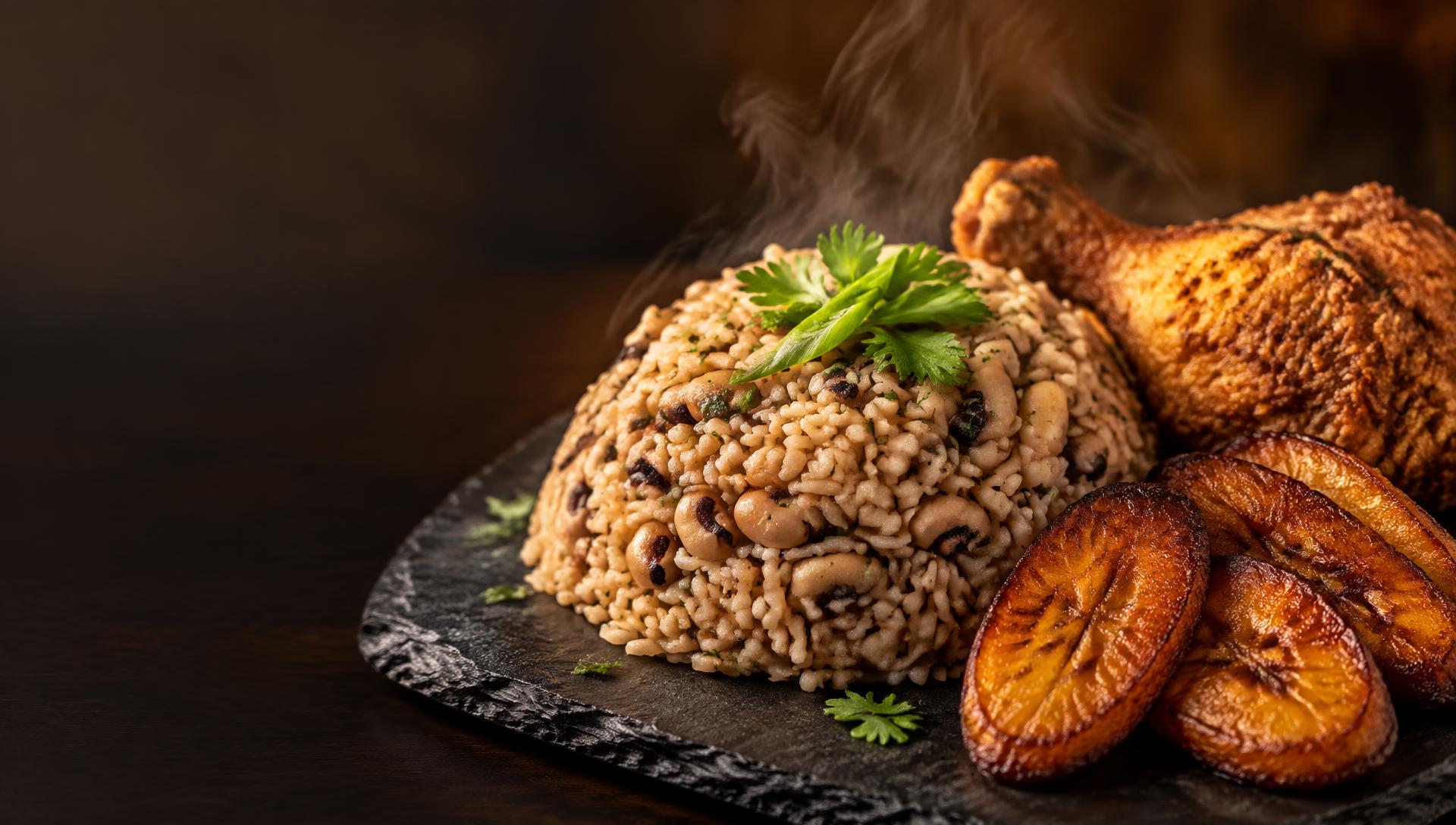
Cook-up rice & fried chicken
Wording sits best on the right of this photo.
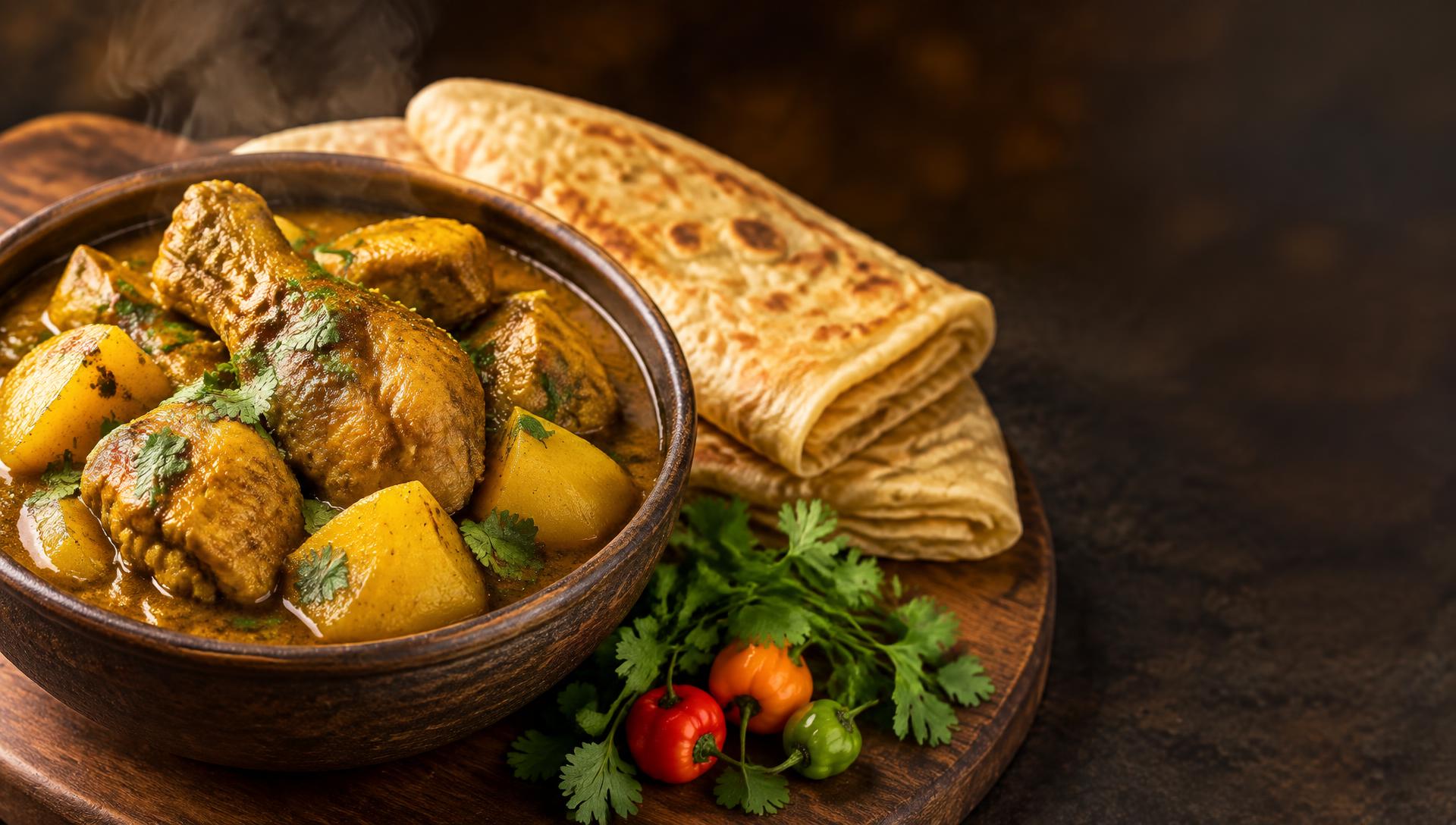
Curry & warm roti
Wording sits best on the right of this photo.
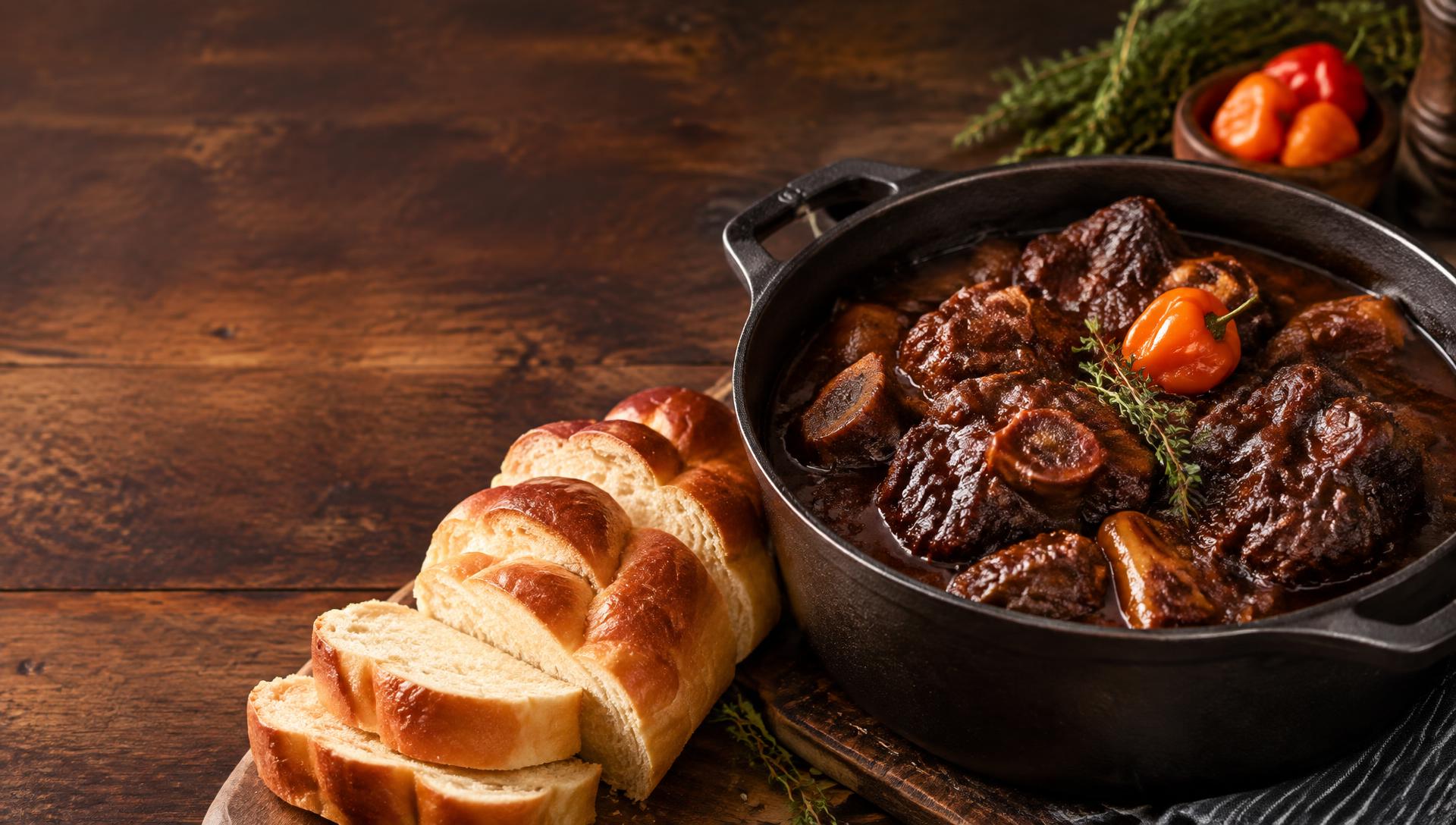
Pepperpot & plait bread
Wording sits best on the right of this photo.
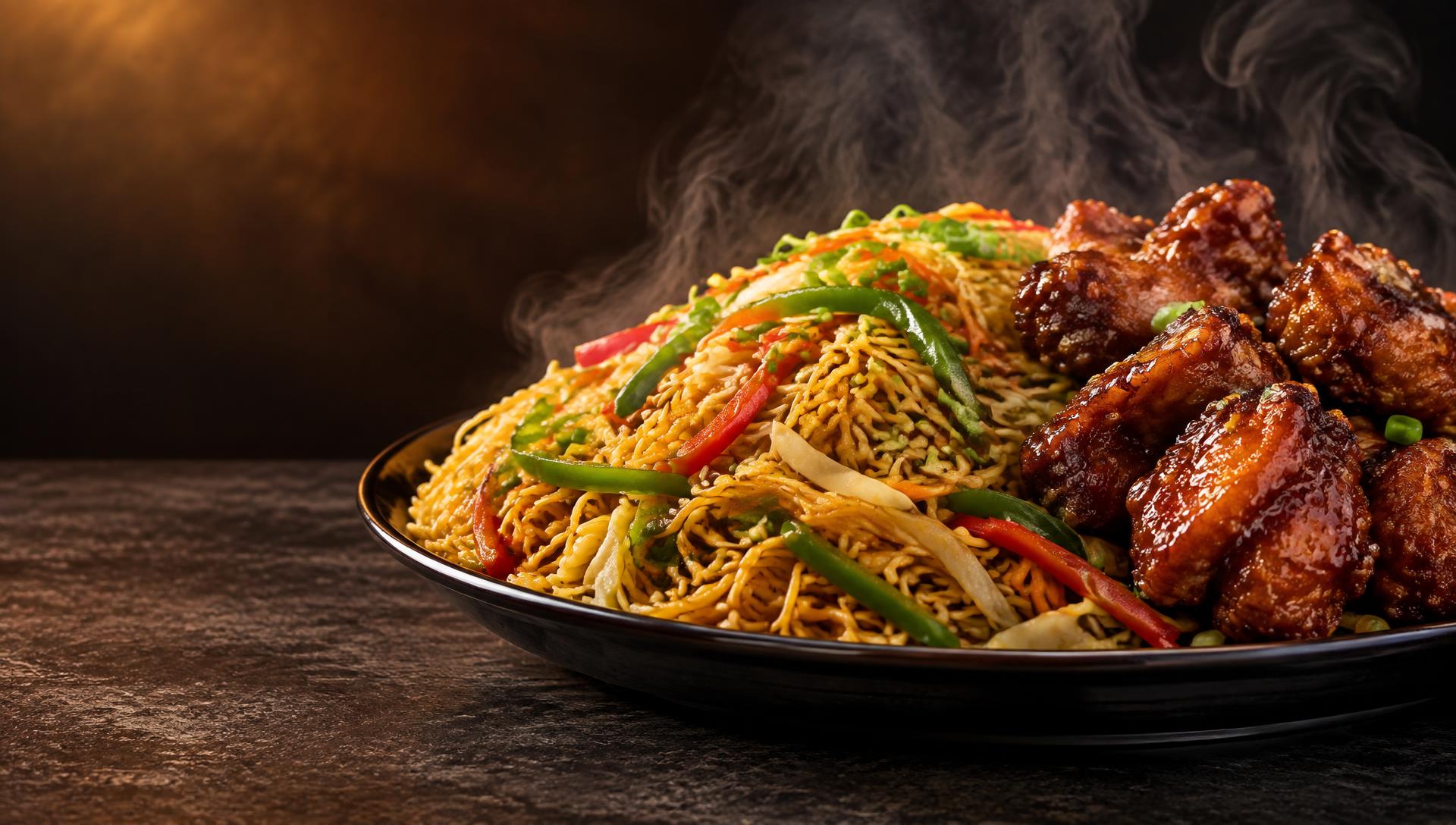
Chow mein & fried rice
Wording sits best on the right of this photo.
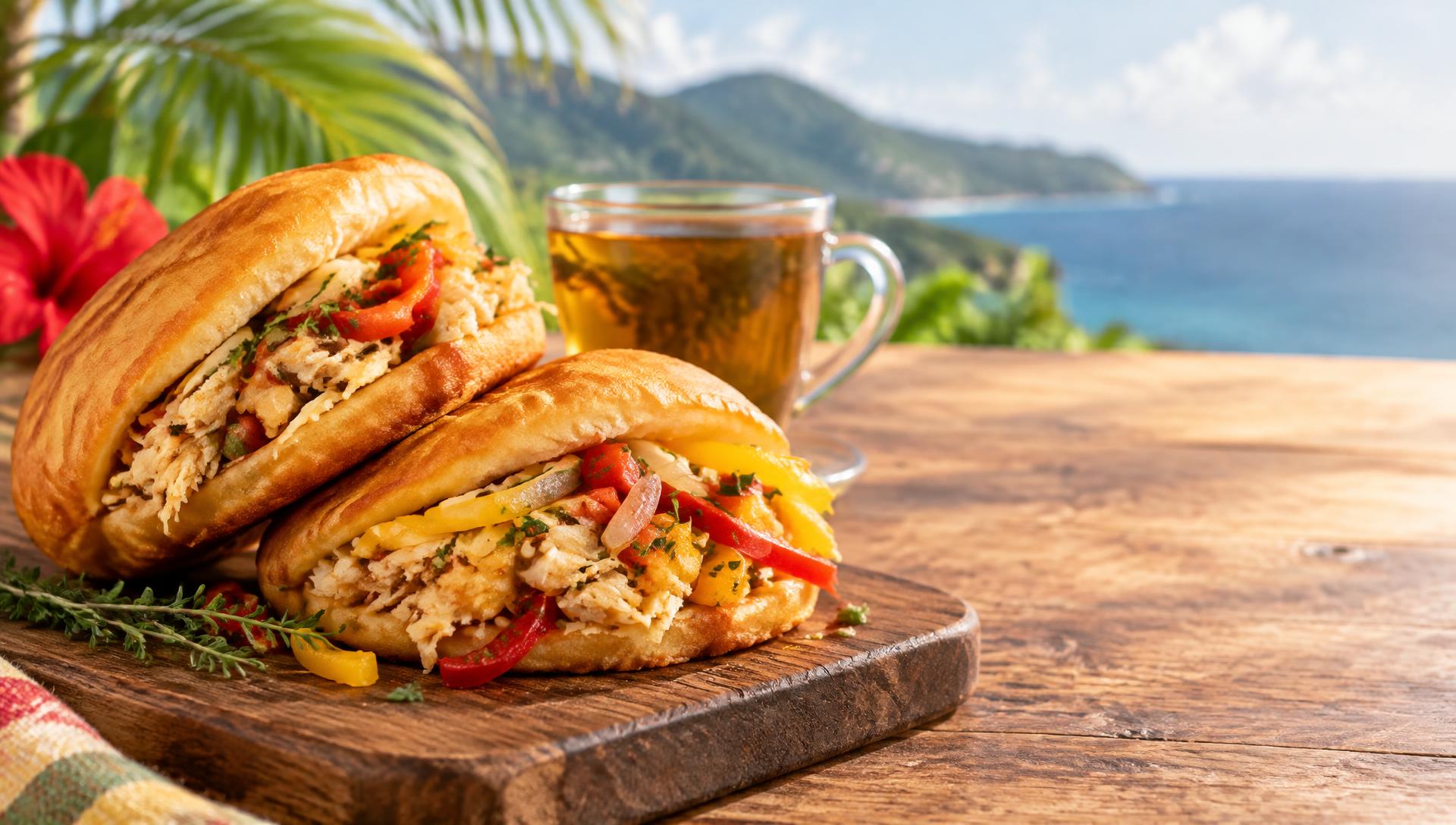
Bakes & saltfish
Wording sits best on the right of this photo.
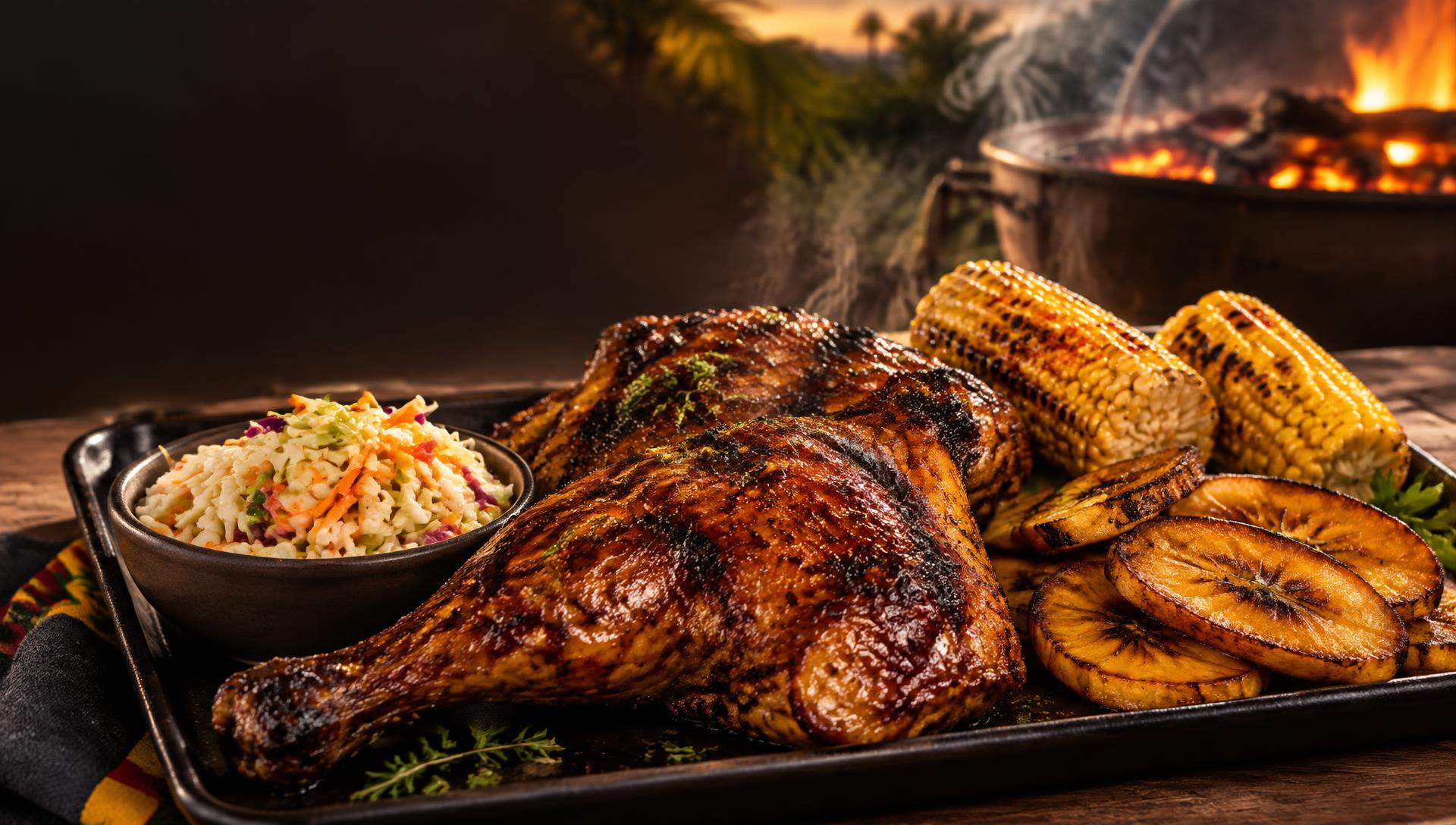
Creole BBQ & grill
Wording sits best on the top left of this photo.
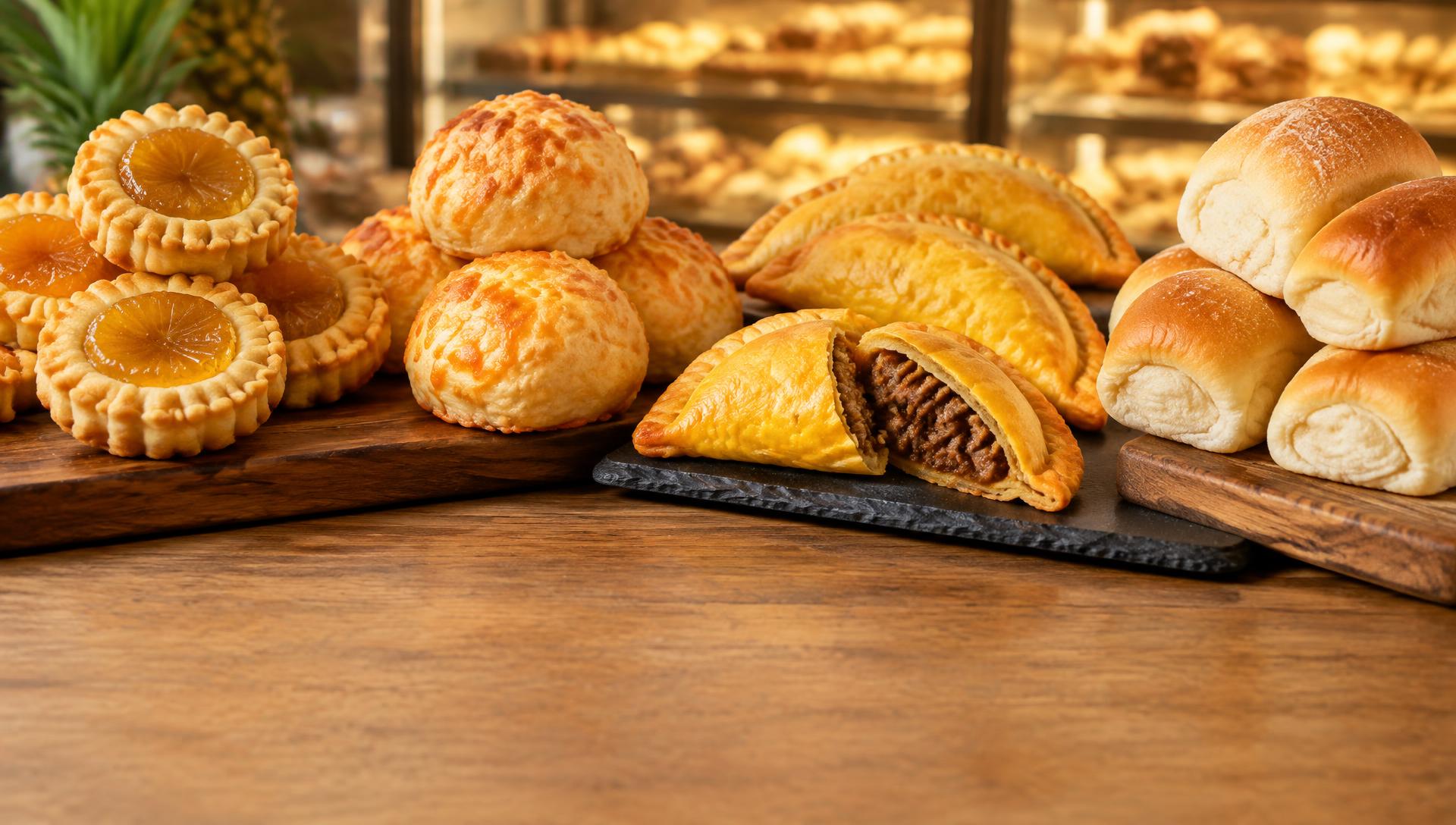
Bakery pastries
Wording sits best on the bottom of this photo.
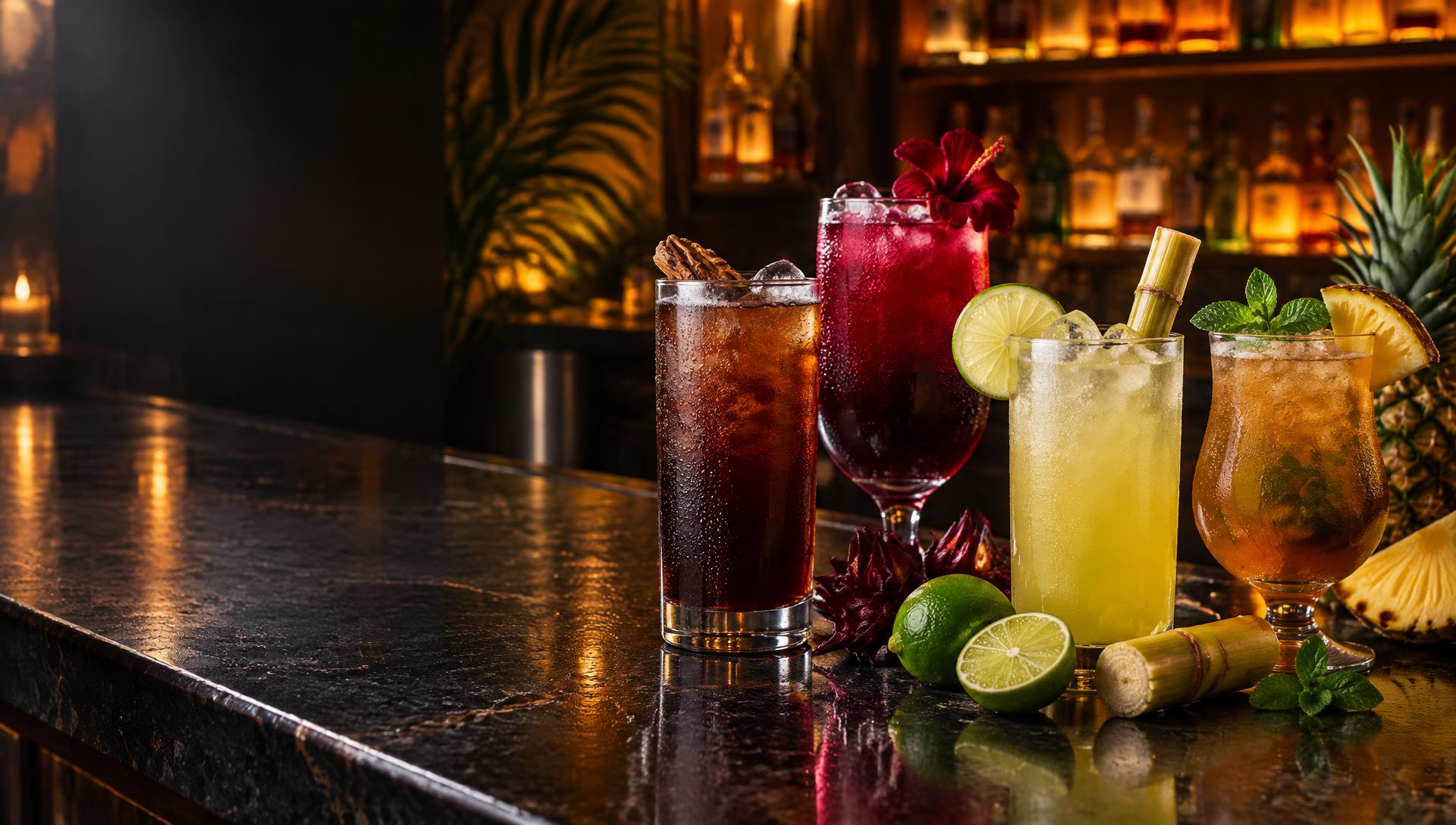
Local drinks & rum bar
Wording sits best on the left of this photo.
Fast food combo
Wording sits best on the left of this photo.
Café & bakery morning
Wording sits best on the right of this photo.
Pizza & grill
Wording sits best on the top left of this photo.
Cocktail bar night
Wording sits best on the left of this photo.
Sports bar match night
Wording sits best on the top left of this photo.
Supermarket aisle
Wording sits best on the bottom of this photo.
Salon & barbershop
Wording sits best on the right of this photo.
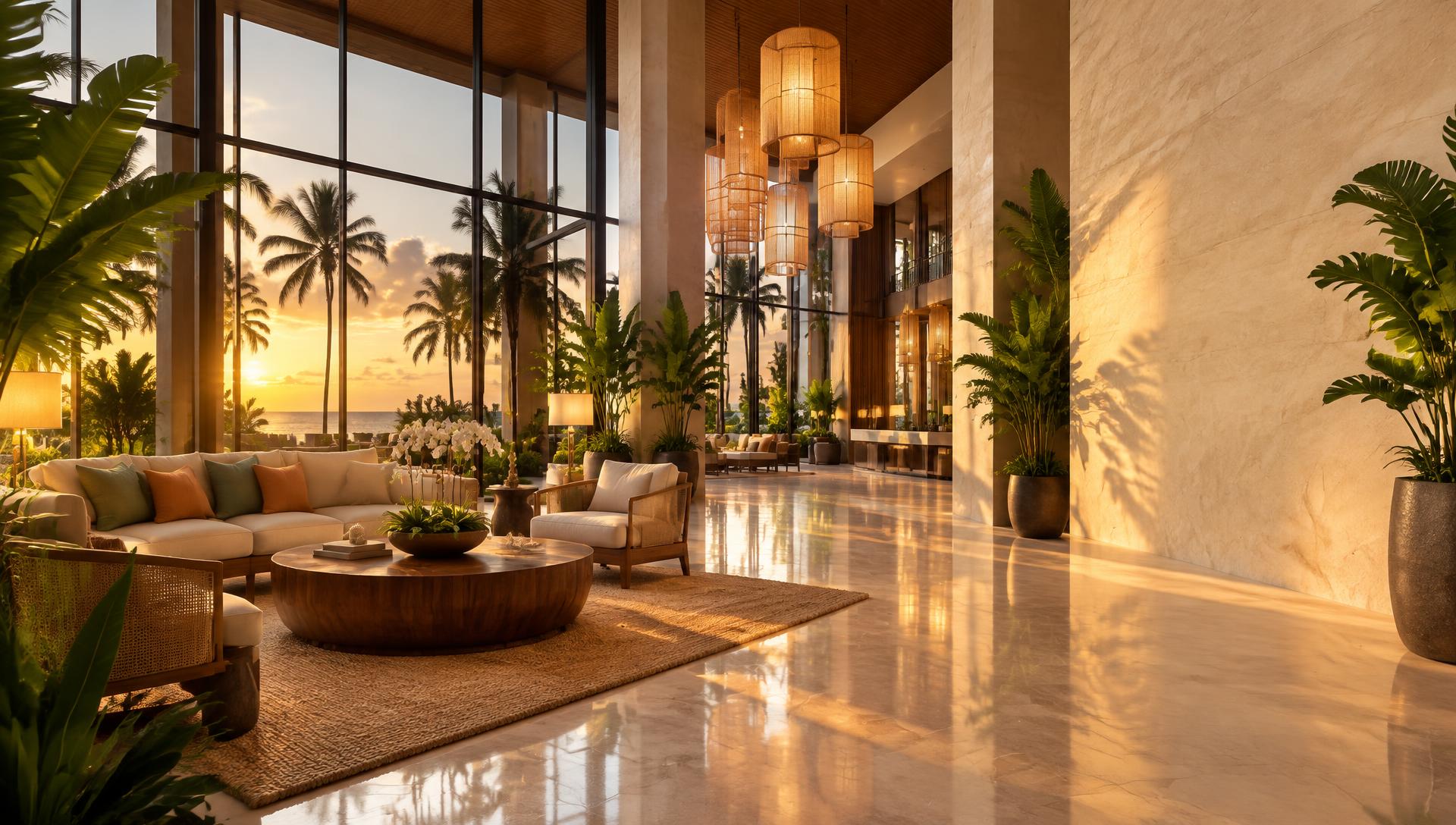
Hotel lobby golden hour
Wording sits best on the right of this photo.
Promo wording you can drop on any board
Ready to put one of these on your TVs?
KimTechSolution sets up the screen, loads your template and keeps it updated — for restaurants, bars, hotels and lobbies across Guyana. Partners manage their own wording, schedules and screen groups from a simple dashboard.